
Why Kriti AI Copilot works the way it does
A plan you can read beats an answer you have to trust. The copilot never edits your site while it is still thinking. It writes a plan first, shows you every step and its content, and waits. You stay the editor. One small step at a time. Each step runs on its own and is checked before the next begins. If something fails, the steps that finished are kept and can be undone, and nothing half-done is left behind. It can't do more than you can. Every action is checked against your own WordPress permissions, so an editor's copilot can't change settings an editor can't change. No new AI bill. The copilot uses the providers and keys you set up in Kriti AI. Nothing is marked up and nothing passes through us. Native blocks, nothing proprietary. Everything it writes is standard Gutenberg blocks. If you stop using the copilot, your pages keep working.
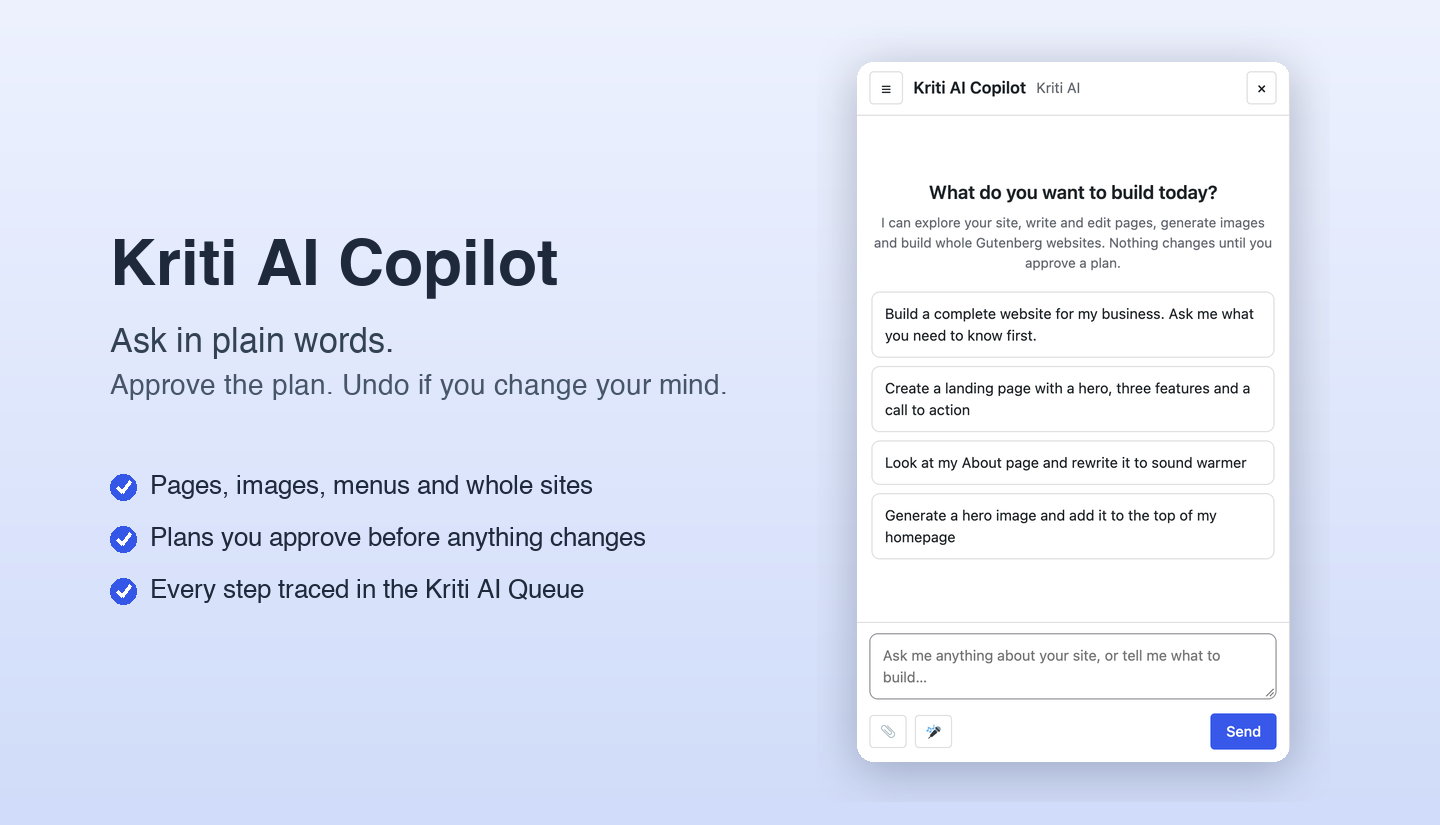
Tell the copilot what you need. It plans, you approve, it builds. Kriti AI Copilot is a chat box inside your WordPress admin. It looks at your site, prepares a plan of exactly what it will do, and only acts after you press Approve. Finished changes can be undone.
How it works
- Ask in plain words: “Create an About page for my bakery” or “Add a pricing table to the end of my Services page.”
- Read the plan. Every step is listed in plain language, with the content it will write and how risky it is.
- Approve. The copilot runs the plan one step at a time and verifies each step.
- Undo if you change your mind. One click rolls back what is safe to roll back.
What it can do
- Write and edit pages: new pages are saved as drafts, and edits touch only the section you asked about.
- Build whole sites: it proposes the pages for you to confirm, writes each one, adds a menu and sets the homepage.
- Generate images with your own provider, saved to the Media Library with alt text.
- Understand your site: search content, read pages, check your theme’s colours, and answer questions without changing anything.
- Take files and voice: attach images, audio, video and documents, or dictate with your microphone.
Design pages with the Kriti Pattern Library
With Kriti AI Designer connected, a page request starts with a tick list of suggested sections. Untick what you don’t want, then choose to use one of three ready-made templates built from the pattern library with exactly your sections, or let the copilot design it. The sections you choose stay redesignable with the Kriti AI tag in the editor.
Follow everything in the Queue
Every request, every step of a plan and every undo appears on the Kriti AI → Queue page with live progress, so you always know what the copilot is doing. Cancel a job there and the copilot stops.
Built to be safe
- Nothing changes until you approve, and an unapproved plan expires.
- Extra confirmation for publishing, menus and the homepage.
- Your permissions apply: it can only do what your own account is allowed to do.
- Secrets stay private: keys and passwords are removed before anything is sent to the AI.
- Limits you control on messages and images per hour.
Requirements
Needs the free Kriti AI plugin (1.1.0 or newer) with a text provider. Bring your own keys, or run a local model with Ollama. WordPress 6.4 or newer and PHP 7.4 or newer. Kriti AI Designer is optional and adds the pattern library.
Highlights
Approve before anything changes
Every plan lists its steps, the content it will write and the risk of each. High-impact steps need an extra tick.
Undo in one click
Roll back a finished plan from its card. If you edited a page afterwards, the copilot leaves your edits alone.
Sections first, then a template
Choose which sections a page should have, then pick one of three templates built from the Kriti Pattern Library for exactly those sections.
Traced in the Queue
Every request and every step shows up on the Kriti AI Queue page with progress, errors and a link back to the chat.
Picks up where you left off
Change page or reload and your chat comes back, still running if it was.